A Notion and Obsidian alternative that stays out of your way
Updated August 2026 · By the Mint team
If you're searching for an alternative to Notion or Obsidian, you probably don't need to be convinced that note-taking matters. You're here because your current tool started costing you more than it gives back.
With Notion, it's the maintenance. A page for a trip becomes a database, the database gets views, the views get filters, and one day you open your "quick notes" workspace and realize you're administering software. Notion is genuinely good at structured team knowledge — that's exactly the problem. Personal notes don't need an admin.
With Obsidian, it's the hobby. The plugin ecosystem is a strength until you're three hours into configuring a writing app instead of writing. And even after all that setup, the editor still shows you raw Markdown syntax mixed with your text, because that's what Obsidian fundamentally is: a very good Markdown file manager.
We built Mint for the people in the middle: you want plain-text Markdown files, real organization, and a note that looks like a finished document while you write it — without a server in the loop and without a weekend of setup.
Side by side, honestly
Here's where each tool actually stands. We've included the rows where we lose.
| Mint | Notion | Obsidian | |
|---|---|---|---|
| Your data | Plain Markdown files on your Mac. We never see them. | Notion's cloud. Export is possible, but your working copy lives on their servers. | Plain Markdown files locally — same philosophy as Mint. |
| Writing experience | True WYSIWYG. The document renders as you type; syntax never clutters the page. | Polished blocks, but everything is a block. Long-form writing feels assembled, not written. | Live Preview is close, but raw syntax still bleeds into the text you're editing. |
| Setup time | None. Notebooks, tabs, and tags are built in. | Low to start, high to keep tidy. Systems drift and need pruning. | High. The app you want is the app you assemble from plugins and themes. |
| Diagrams | 25 diagram types rendered natively — flowcharts, sequence diagrams, timelines, and more. | None natively. You embed third-party tools or paste images. | Via plugins (Mermaid and others), with varying rendering quality. |
| Offline | Fully offline. It's a native Mac app with local files. | Partial. Offline mode has improved but still degrades. | Fully offline. |
| Team collaboration | Not yet. Mint is a personal notes app today. | Best in class. If you need shared workspaces, Notion wins. | Paid sync add-on, or DIY with git. |
| Platform | Mac only. | Everywhere — web, desktop, mobile. | Everywhere, including mobile. |
The short version: if you need a team wiki or a phone app, stop reading — Notion or Obsidian will serve you better. If you're on a Mac and you want your notes to be yours, read on.
What writing in Mint actually feels like
Most Markdown editors split the screen: syntax on the left, preview on the right. That made sense in 2012. It's absurd now — half your screen is a permanent lie about what the document looks like, and your eyes bounce between two versions of the same sentence.
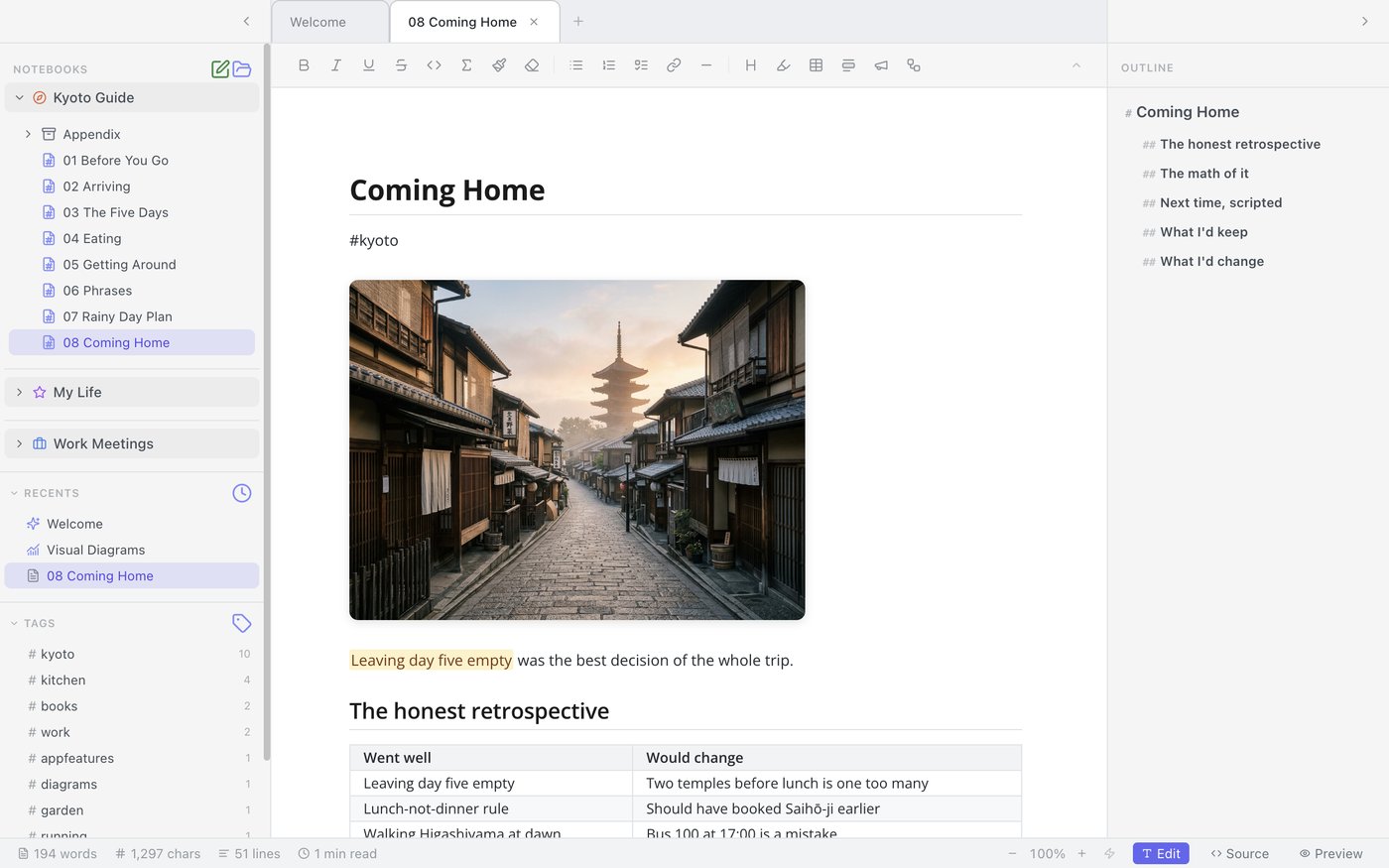
Mint renders the document as you write it. Headings are headings. Tables are tables. Bold is bold. You still own clean Markdown underneath — you can open any note in a text editor and read it fine — but the app never makes you look at the machinery.
Organization that doesn't become a project
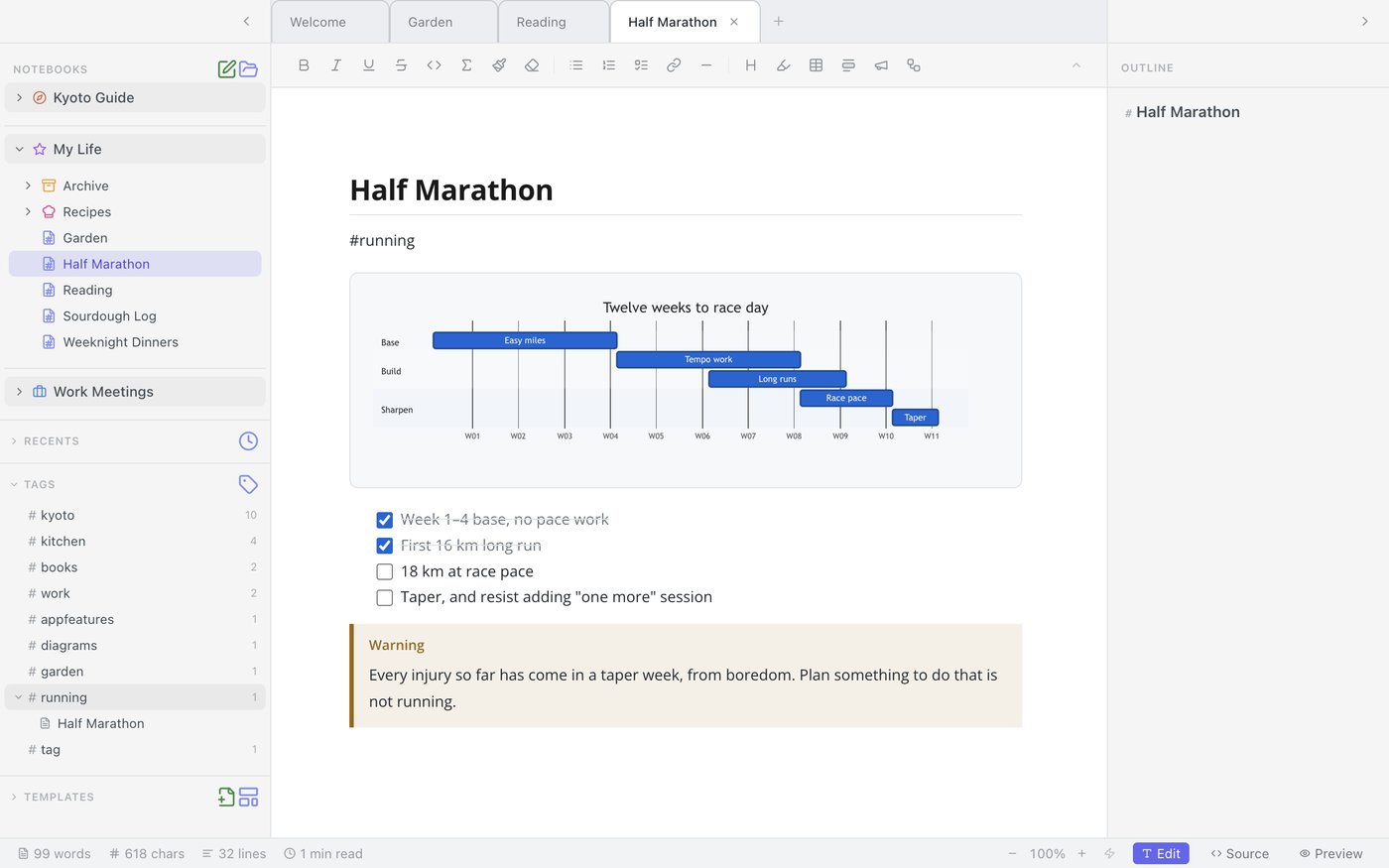
Notion gives you infinite structure, which means you spend real time deciding where things go. Obsidian gives you a folder and wishes you luck. Mint picks a deliberate middle: notebooks for the big areas of your life, tabs for what you're actively working on, and #tags for everything that crosses boundaries.
Global search reaches across every notebook, so "where did I write that down" stops being a question. And because notes are ordinary files, nothing traps them — a notebook exports to PDF, Word, or clean Markdown in one click.
What Mint won't do for you
Being clear about this matters more than another feature list, so here it is. Mint won't replace your team wiki — there's no multiplayer. It won't follow you to your phone or your Windows machine — it's Mac only. It won't give you a graph view of your second brain, and it won't host your notes on our servers, because we don't have your notes at all.
If those are dealbreakers, we'd rather you know now. The people Mint is for read that paragraph and feel relieved.
Who it's for
- Writers and researchers who want Markdown ownership without Markdown syntax in their face.
- Developers who think in diagrams and want 25 of them rendered natively, not through a plugin chain.
- Anyone leaving Notion because the tool became the task.
- Anyone leaving Obsidian because the setup became the hobby.
Mint is in pre-launch. Join the waitlist and we'll email you the day it's ready — one email, no drip campaign.