A Markdown editor for Mac that doesn't split your screen
Updated August 2026 · By the Mint team
Open almost any Markdown editor on the Mac and you get the same layout: raw syntax on the left, rendered preview on the right. It's a design compromise from a decade ago that somehow became the default. You write in one pane, trust the other pane, and spend the whole session reconciling the two.
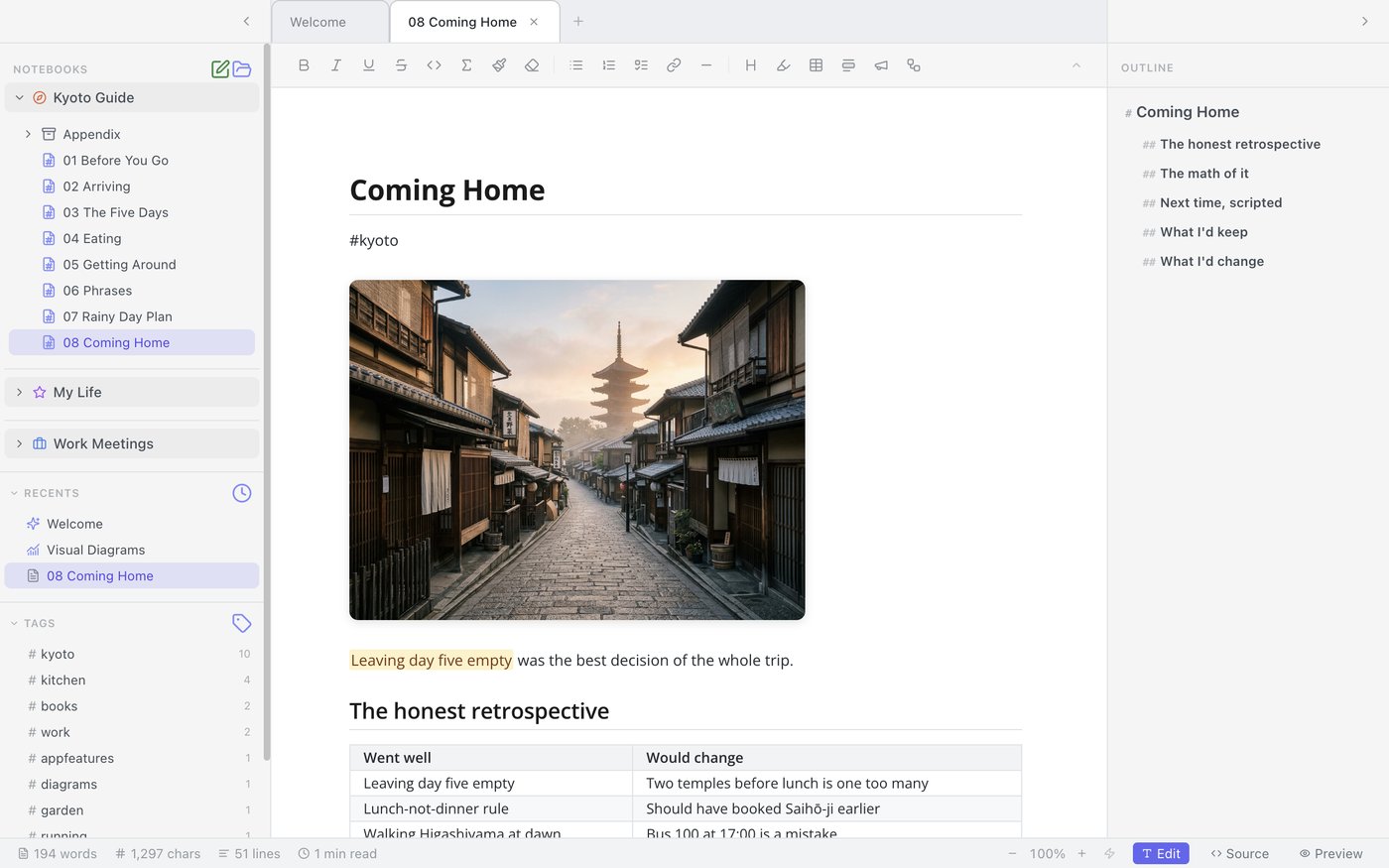
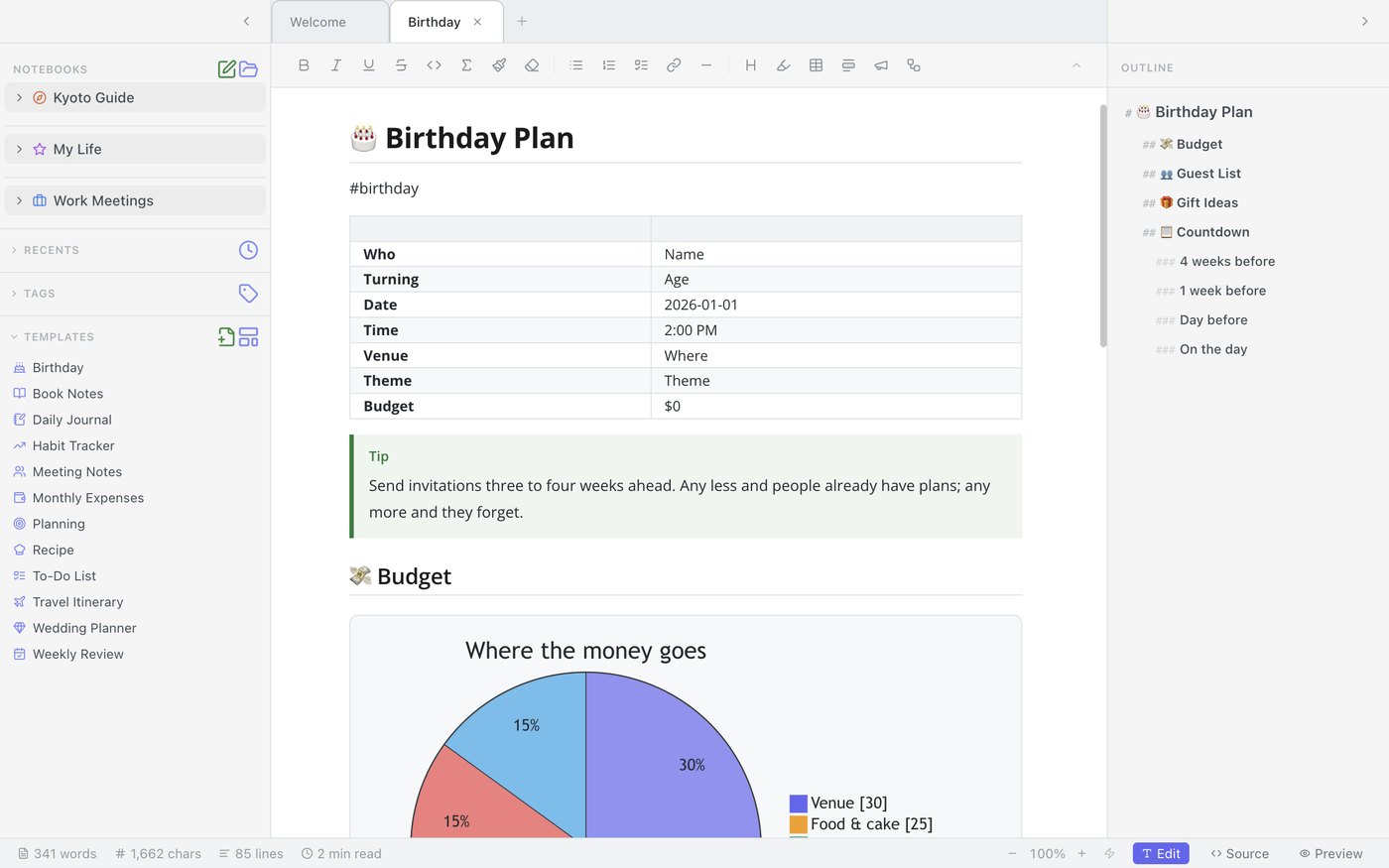
Mint takes the other position: the document should look finished while you're writing it. Type # Kyoto and it becomes a heading, not a heading with a hash symbol squatting next to it. Tables render as tables. Images appear where you put them. Underneath, it's still plain Markdown — open the file in BBEdit or VS Code and it's perfectly readable — but the app never forces you to look at the scaffolding.
Your files, on your disk
Mint stores everything as ordinary Markdown files on your Mac. There's no account, no sync service, no database format to escape from later. If Mint disappeared tomorrow, you'd lose an editor, not a single note — every file would open in any text editor on earth.
This is also why we can say something most note apps can't: we never see your documents. There's nothing to see. They never leave your machine.
Notebooks, tabs, and tags — not folders all the way down
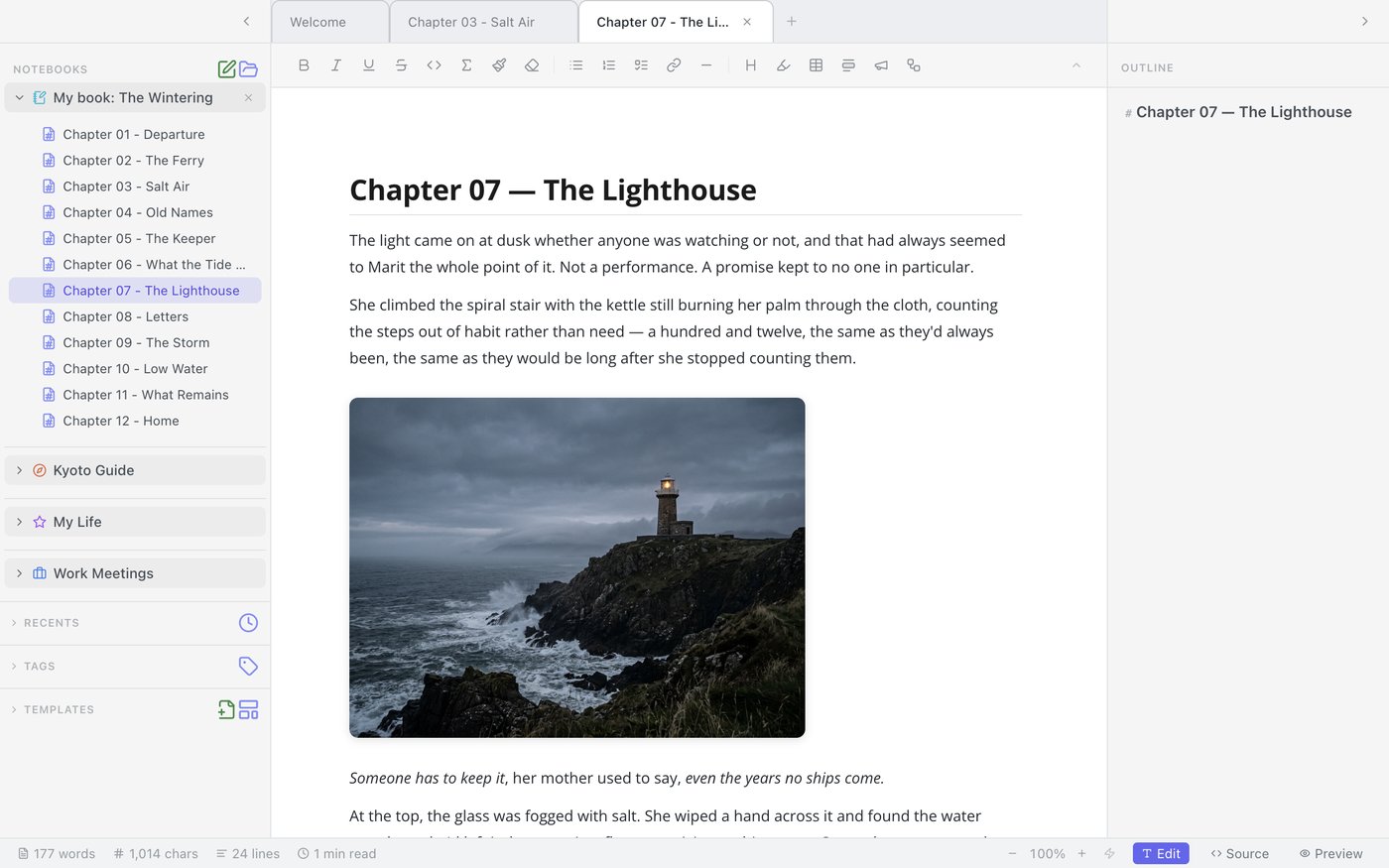
A single folder of Markdown files works until it doesn't. Mint gives you three levels that map to how notes actually get used: notebooks for the big areas of your life (work, a trip, a thesis), tabs for the handful of notes you're actively working in, and #tags for the threads that cross notebooks. The outline panel keeps long documents navigable.
Global search covers every notebook at once. The question "which notebook did I put that in" stops mattering, because the answer is always one keystroke away.
25 diagrams, rendered where you write
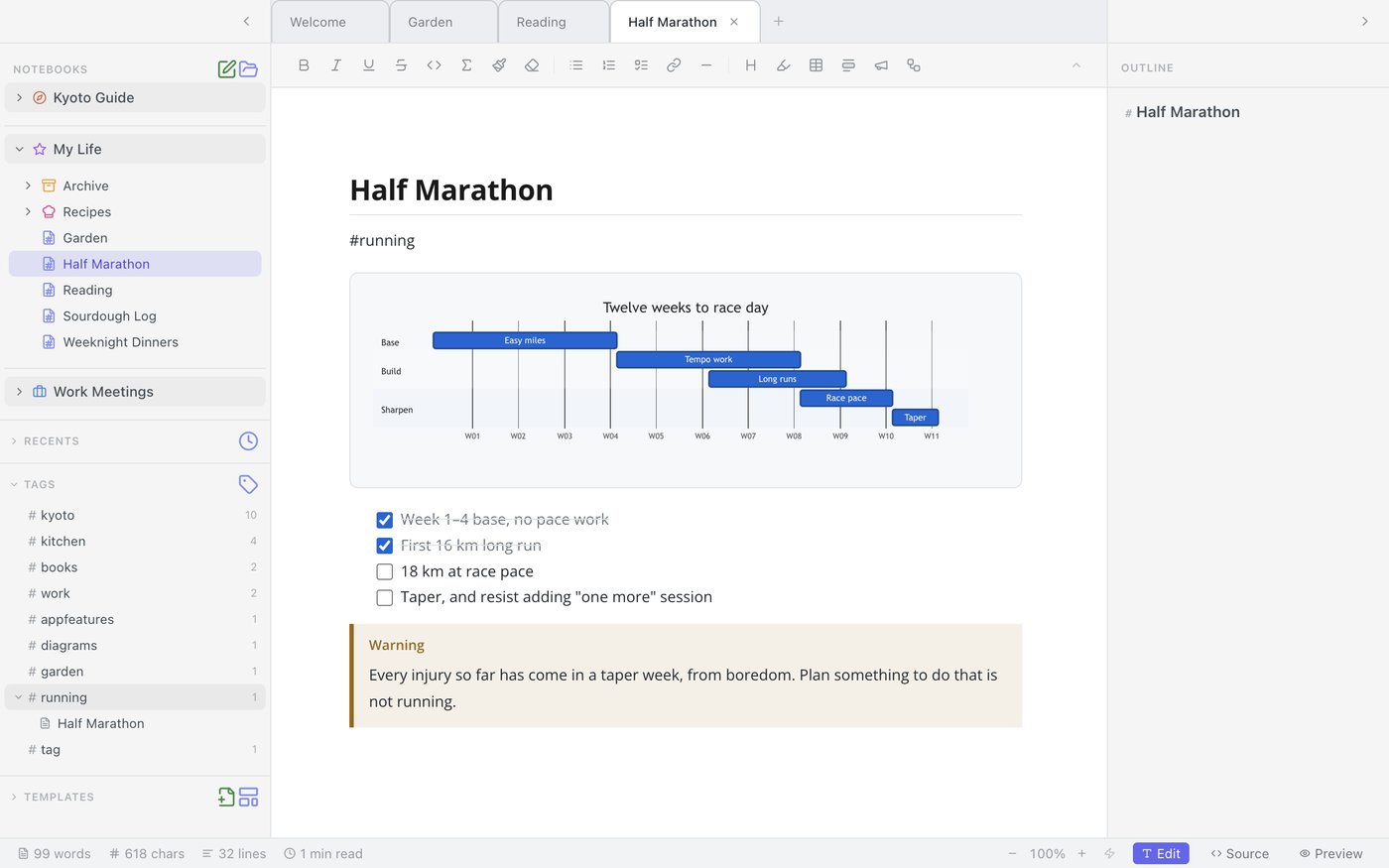
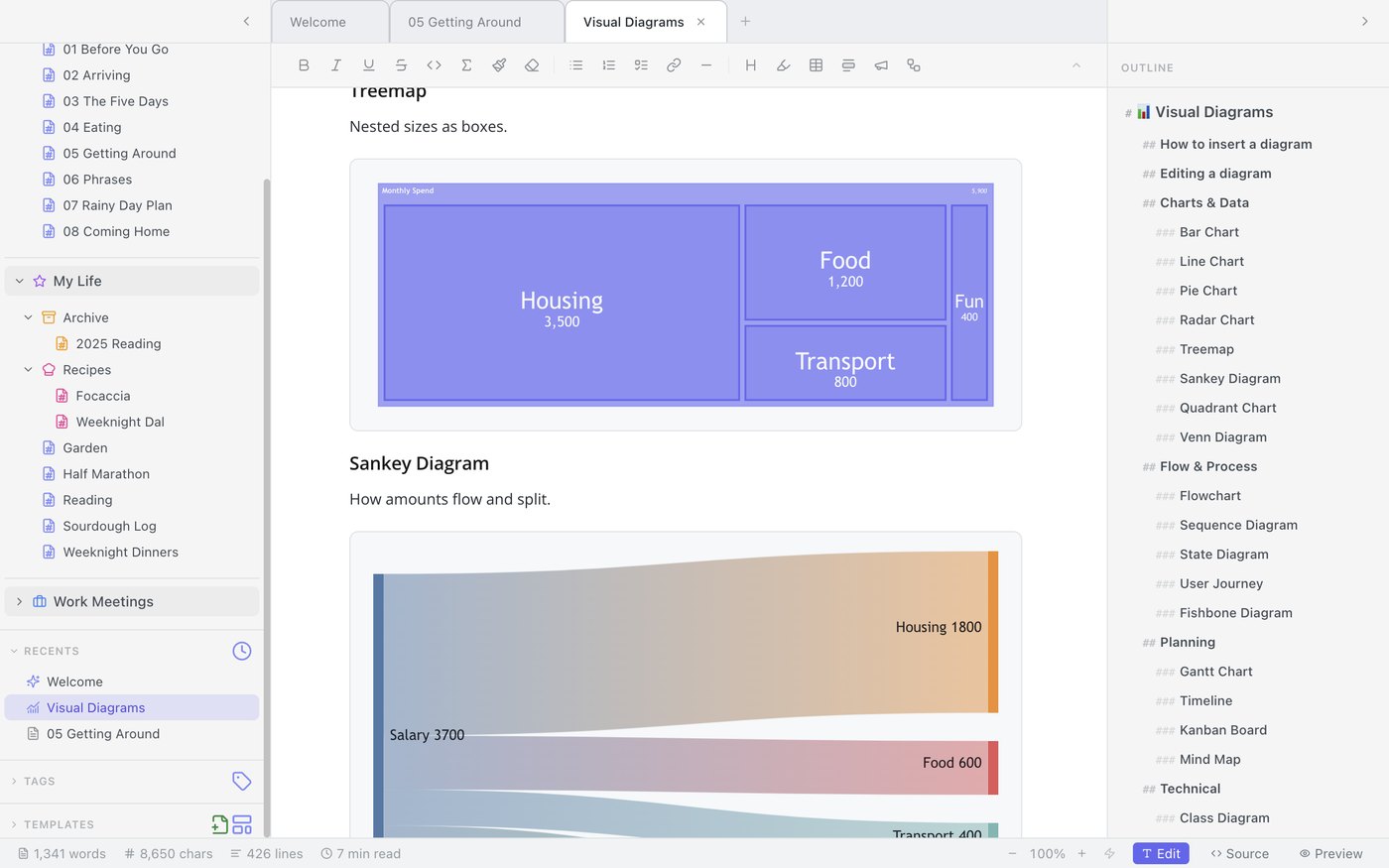
Some ideas don't survive being flattened into prose. Mint renders 25 diagram types natively in the note — flowcharts, sequence diagrams, treemaps, timelines, Sankey diagrams, and more — so the picture lives next to the paragraph that explains it, not in a separate tool you have to export from and re-import.
Export and templates
Notes are only useful if they can leave. One click turns a notebook into a PDF, a Word document, or a folder of clean Markdown — no print-dialog gymnastics. And when you're starting something new, 12 built-in templates cover the common cases; you can also define your own, so the structure of a meeting note or a trip plan is something you decide once.
The honest caveats
Mint is a Mac Markdown app, and only that. There's no Windows version, no mobile app, no web client — if you live across platforms, that may settle the question for you. It's also a personal notes app: no real-time collaboration, no shared workspaces. We think doing one job properly beats doing five jobs adequately, but you should know which job we picked.
Mint is in pre-launch. Join the waitlist and we'll send you one email when it's ready.