MINT: MARKDOWN EDITOR & NOTEBOOK
Your notes as beautiful as your ideas.
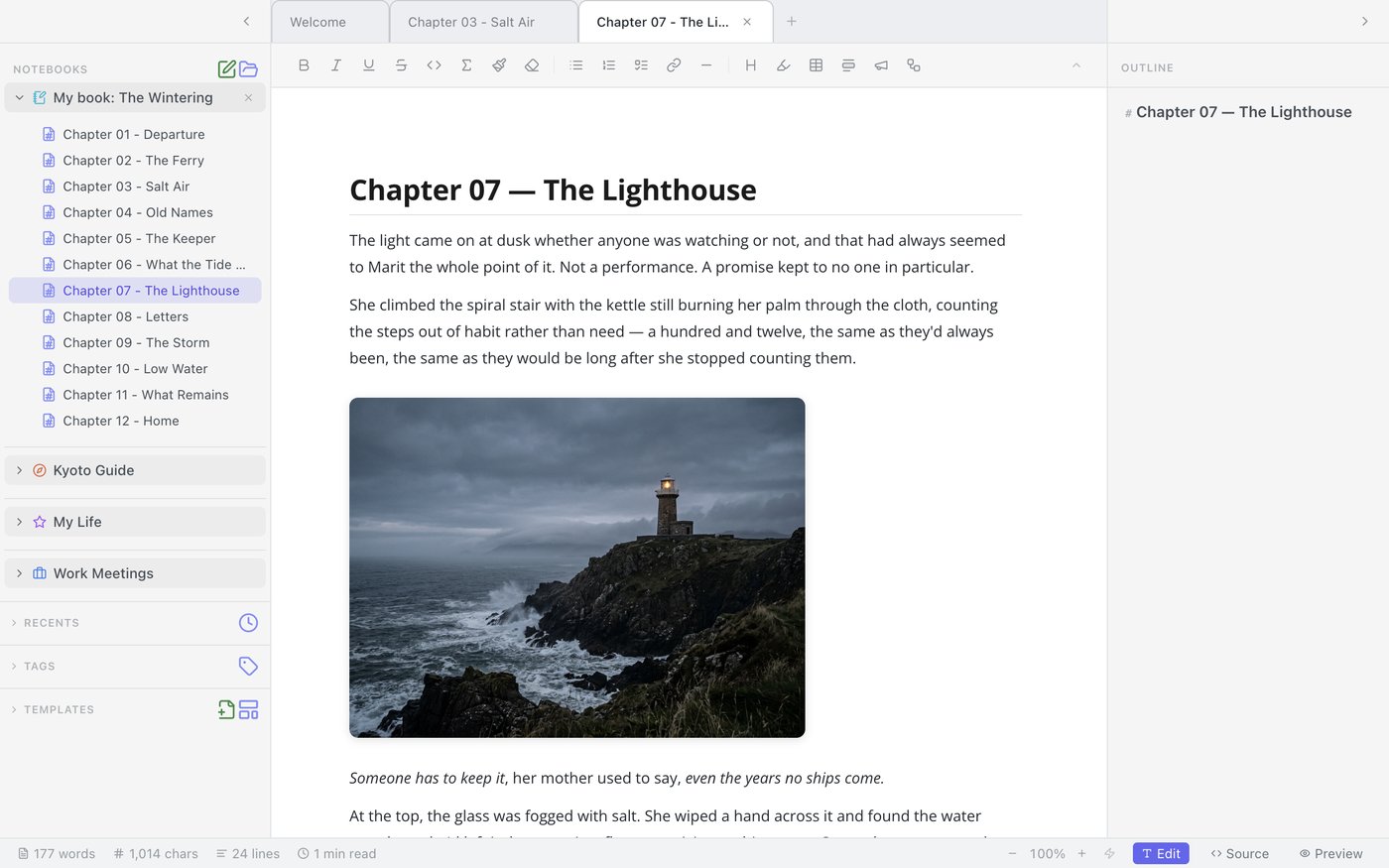
WYSIWYG Markdown.
A distraction-free Markdown editor and notebook for Mac, built for your most challenging projects and exciting ideas.

Be the first to know when Mint ships.
02 — VISUALIZE
Think visually.
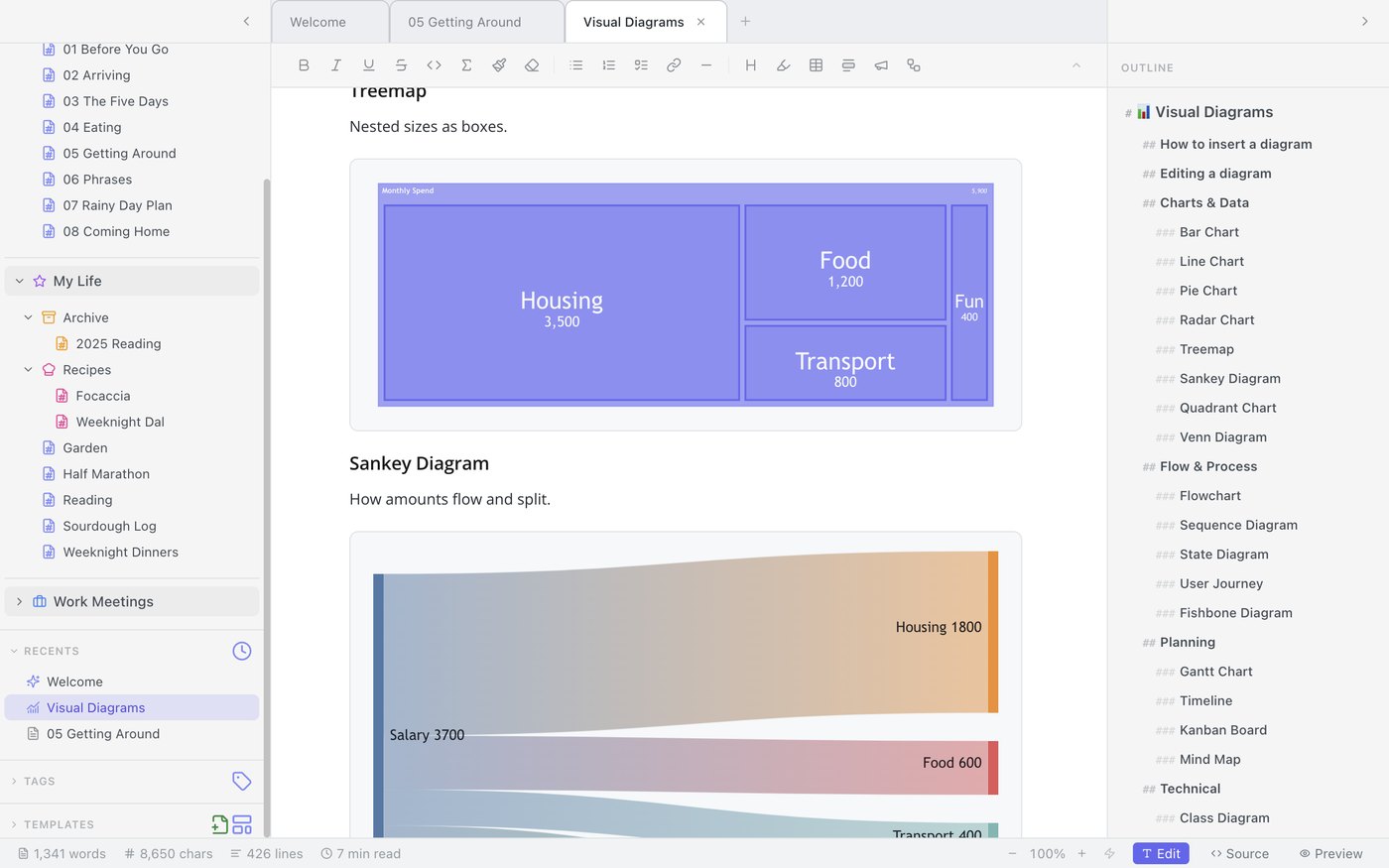
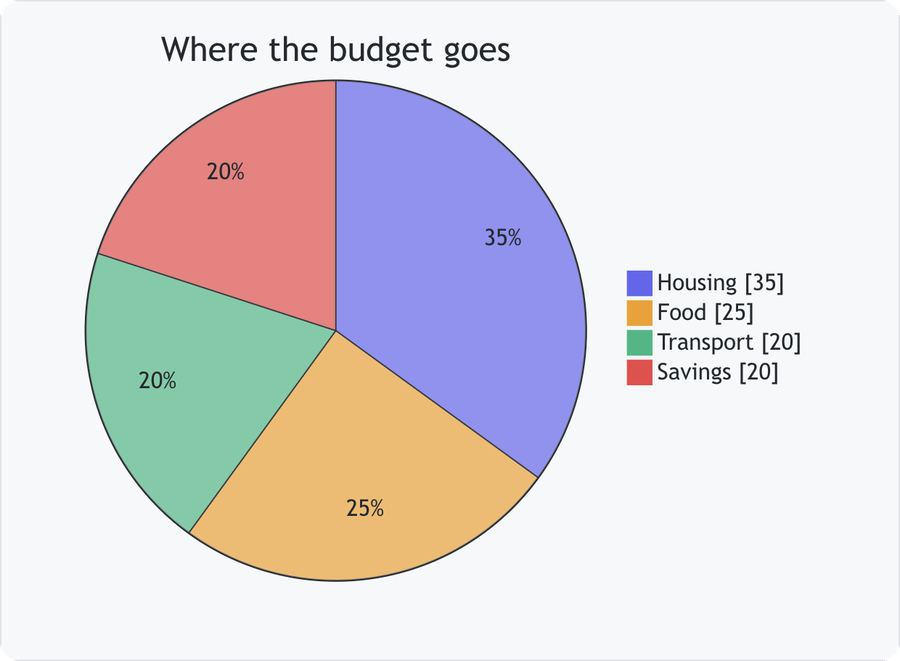
25 native diagrams make it clear.
Flowcharts, Gantt charts, mind maps, Kanban boards, ER diagrams, Sankey flows, and more — pick one from the menu and a working starter diagram appears, rendered live, right in the page.
03 — JUMPSTART
Get a head start.
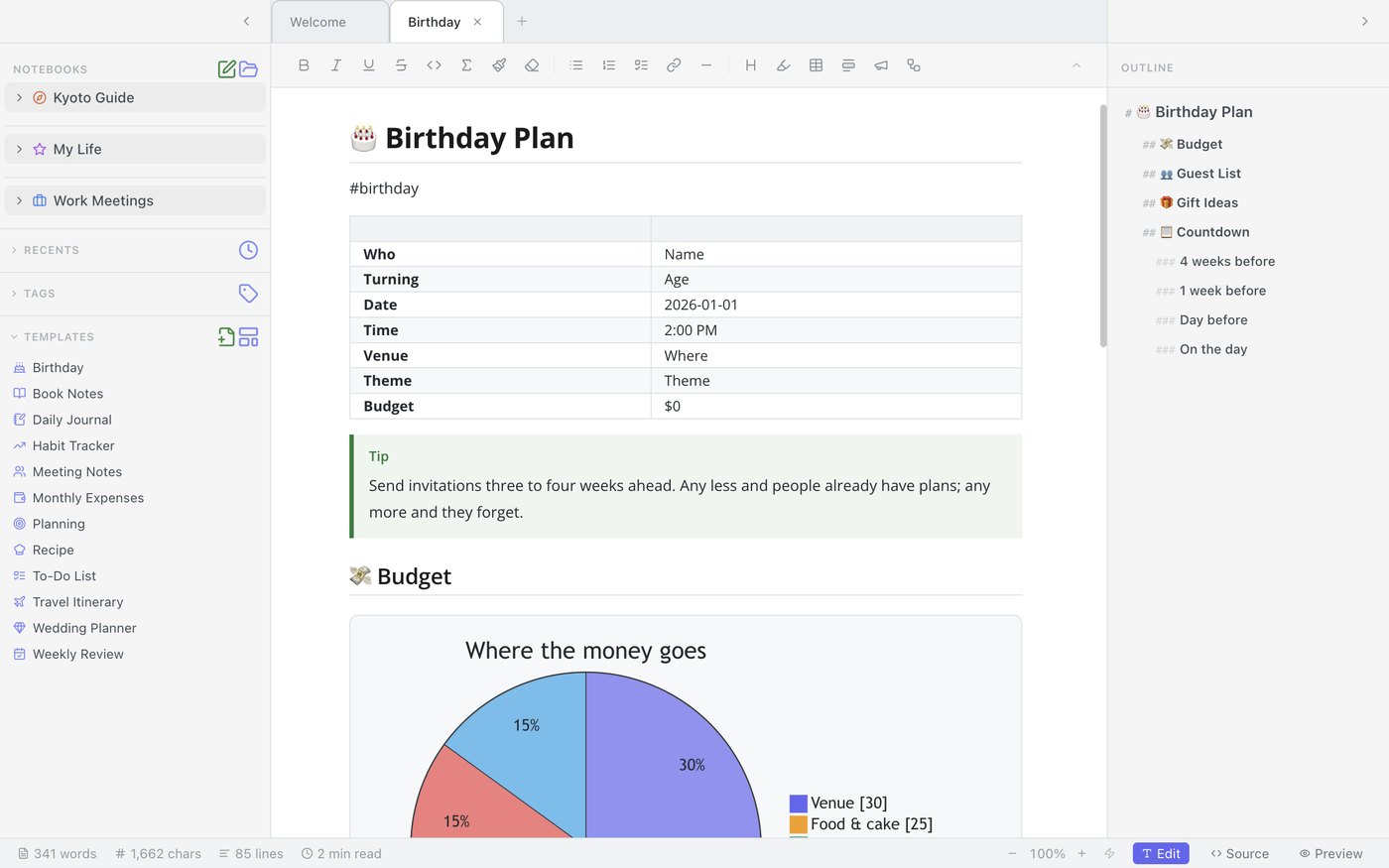
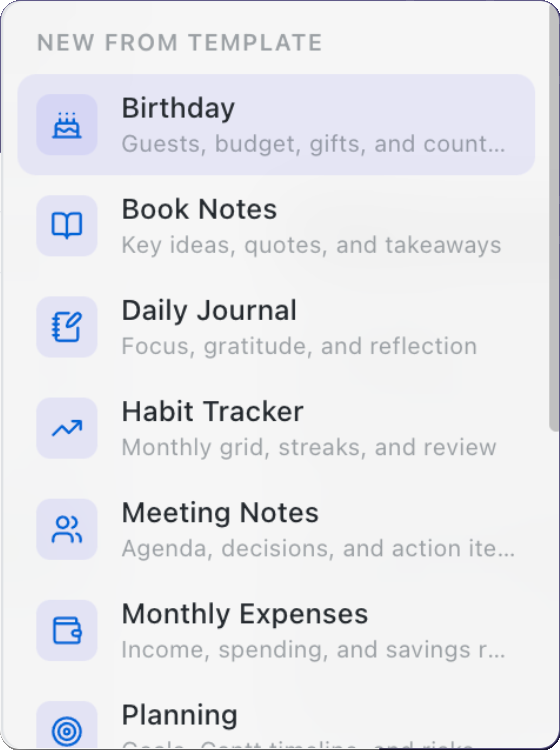
12 ready-to-go templates or define your own.
Twelve built-in templates — meeting notes, weekly review, travel itinerary, monthly expenses, habit tracker, recipes, and more — or save any note of your own as a template to reuse. As much at home in a project plan as in a daily journal.
04 — ORGANIZE
Every part of your life, organized.
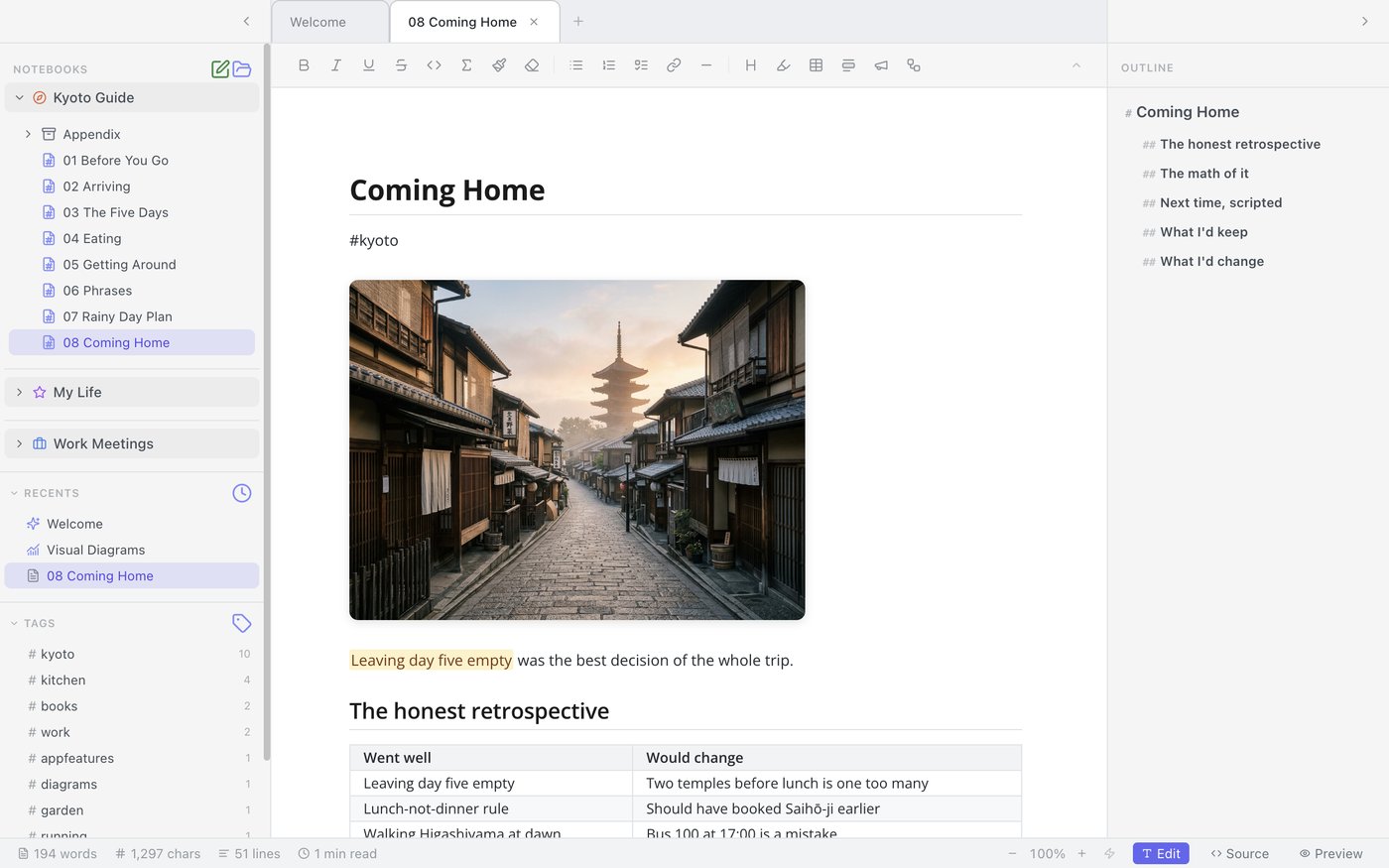
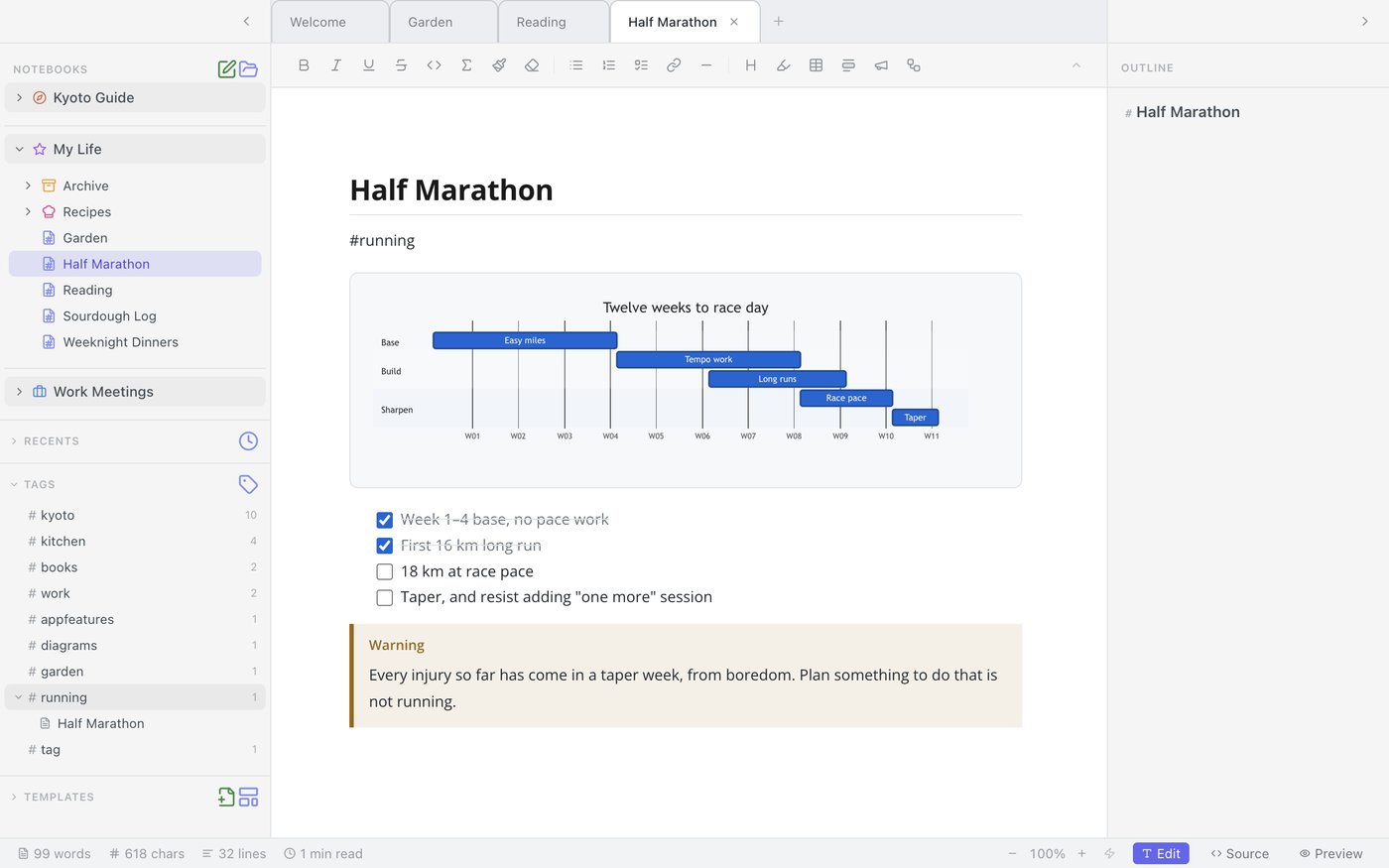
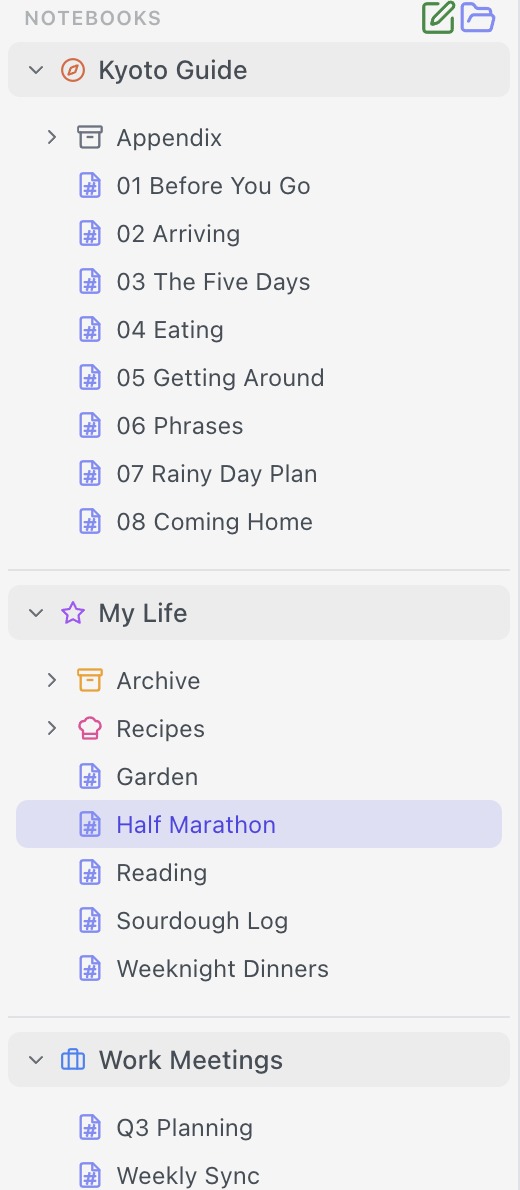
Notebooks, tabs, #tags.
Your notebooks are just Markdown files and folders on your Mac — sync them with iCloud Drive or Google Drive right through Finder, no lock-in. Every note is AI-ready: hand it to Claude, ChatGPT, Perplexity, or Gemini whenever you want another take.
05 — SEARCH
Never lose an idea again.
Global search finds it, across every notebook.
Global search reaches across every open notebook at once, with a live rendered preview of each result and the match highlighted in place — so you know it's the right note before you open it.

06 — PUBLISH
One click to a finished document.
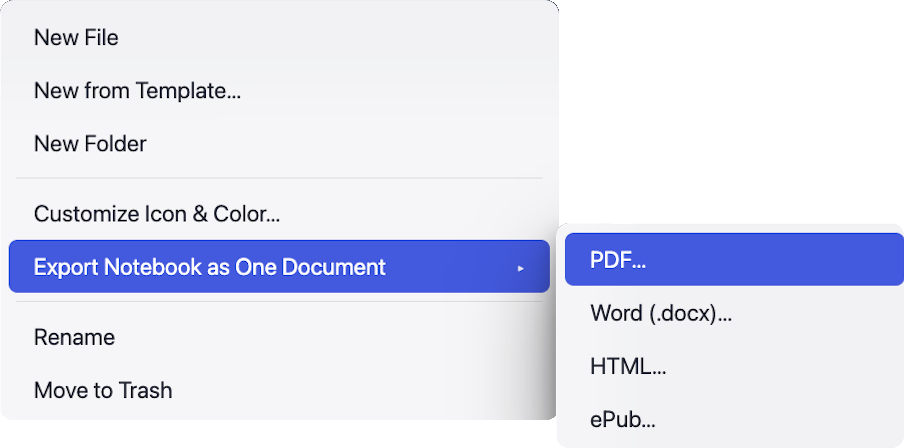
Publish a full notebook.
Right-click any notebook and export every note inside it as one PDF, Word document, ebook, or web page — complete with a cover page, a clickable table of contents, and continuous page numbering. Convert markdown to PDF.